
Flip, Duplicate and Copy/Paste in Brinimate: Make Your Character Face the Other Way in One Click
Brinimate now flips images, brush strokes and shapes with one button (Shift+H / Shift+V), duplicates several objects with Ctrl+J, and copies and pastes between frames with Ctrl+C / Ctrl+V. Perfect for making your character walk the other way.
LuisOA
Brinimate Team
Flip, Duplicate and Copy/Paste
It happens all the time when you animate: your character walks to the right, and in the next scene it has to come back. Now you flip it in one click.
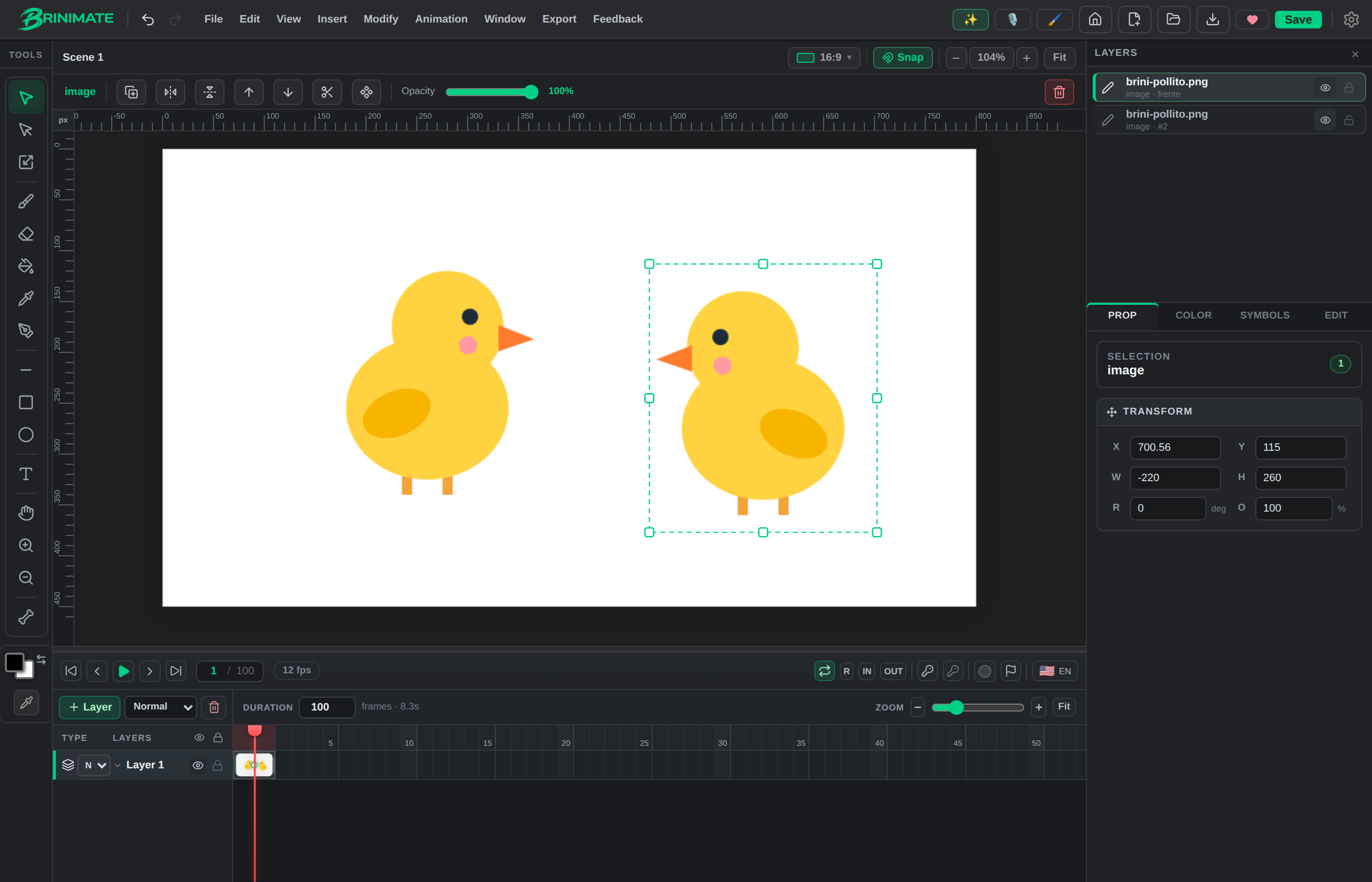 The chick and its flipped copy:
Ctrl + J, then Shift + H.
The buttons
With something selected, the bar above the canvas has Duplicate, Flip horizontal and Flip vertical. Hover over one and it tells you its shortcut.
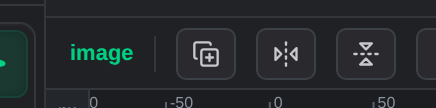 Duplicate, Flip horizontal and Flip vertical.
- Flip works with images, brush strokes, shapes and paths. If you select several things, they flip together as one piece. The image doesn’t lose quality: its pixels are never resampled.
- Duplicate now works with several objects at once and with every type, brush strokes included. The copy lands slightly offset and already selected.
- Text isn’t flipped: its letters would read backwards.
Copy and paste between frames
Ctrl + C copies the selection and Ctrl + V pastes it into whatever frame or layer you’re on. That’s how you carry a drawing from one keyframe to another without redrawing it.
All in the Edit menu
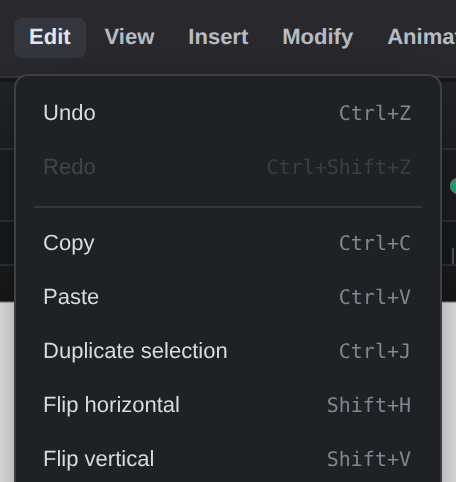 Edit → Copy, Paste, Duplicate, Flip.
| Action | Shortcut |
|---|---|
| Duplicate | Ctrl + J |
| Flip horizontal | Shift + H |
| Flip vertical | Shift + V |
| Copy / Paste | Ctrl + C / Ctrl + V |
H and V on their own are still the Hand and Selection tools, as always.