
Import SVG into Brinimate: Your Vector Drawings Become Editable Shapes You Can Animate
Brinimate now opens SVG files from Bricanvas, Illustrator, Inkscape or Figma and turns them into editable vector shapes: move them, recolor them and animate them on the timeline. Free, in your browser and safe.
LuisOA
Brinimate Team
Import SVG
You can now bring your vector drawings into Brinimate. An SVG file (from Bricanvas, Illustrator, Inkscape, Figma or any other app) comes in as editable shapes: every part can be moved, scaled, recolored and animated with keyframes.
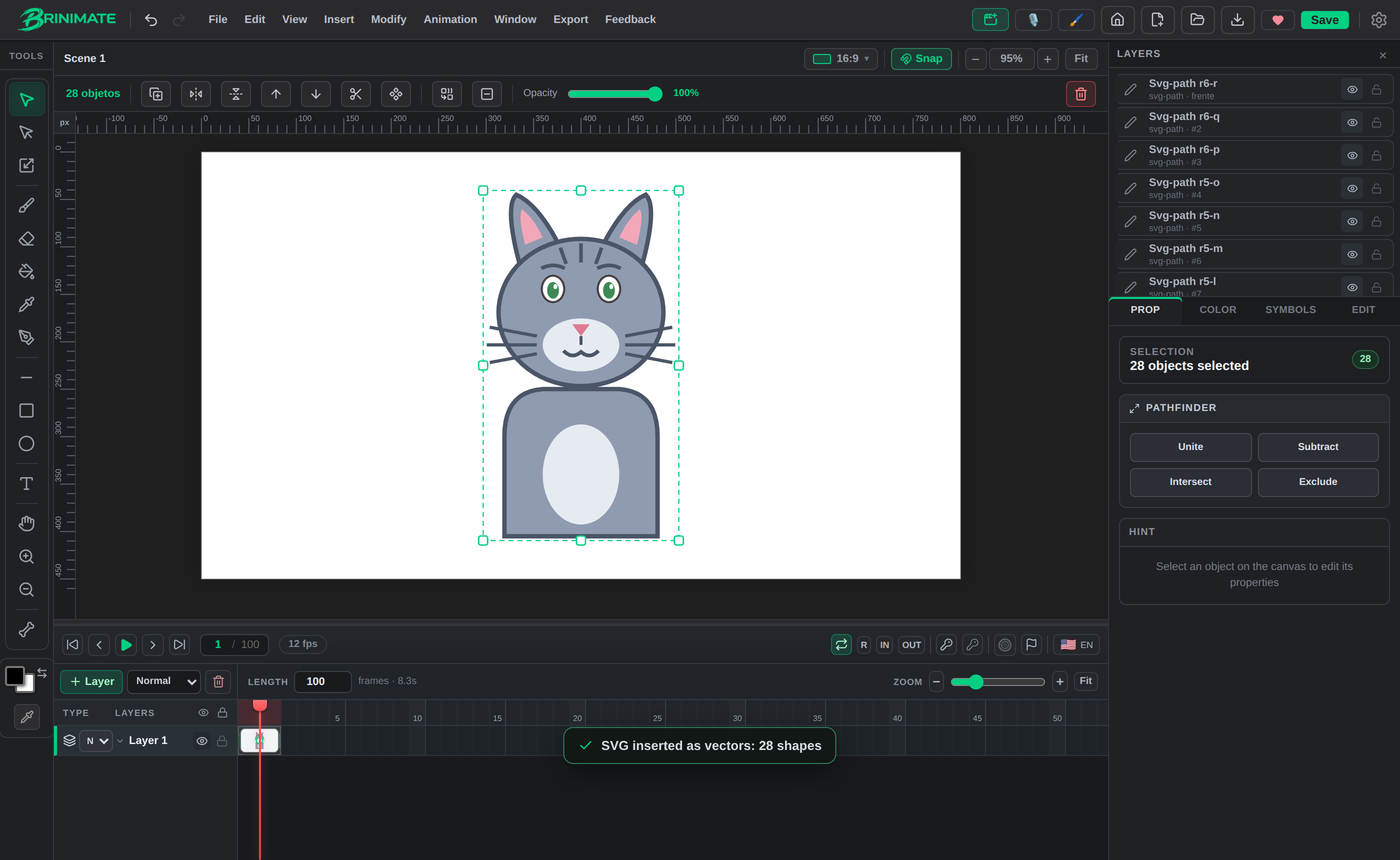 An SVG character turned into 28 vector shapes, all selected as they come in.
How to import
- From the start screen: drop the .svg file on the box at the bottom.
- Inside the editor: Insert → Image… (or
Ctrl+Shift+I) and pick the file.
 The start screen box now accepts SVG too.
The drawing lands centered on the canvas, keeping its proportions, and stays selected so you can move or scale it in one go.
What gets imported
- Paths, rectangles (rounded corners too), circles, ellipses, lines, polylines and polygons.
- Groups and nested transforms,
viewBox,useand symbols. - Fill and stroke colors, widths, opacity and styles (attributes,
styleand CSS classes like the ones Illustrator exports). - Gradients take their first color.
What doesn’t become shapes: text, images inside the SVG, masks and filters. Brinimate tells you how many parts were left out.
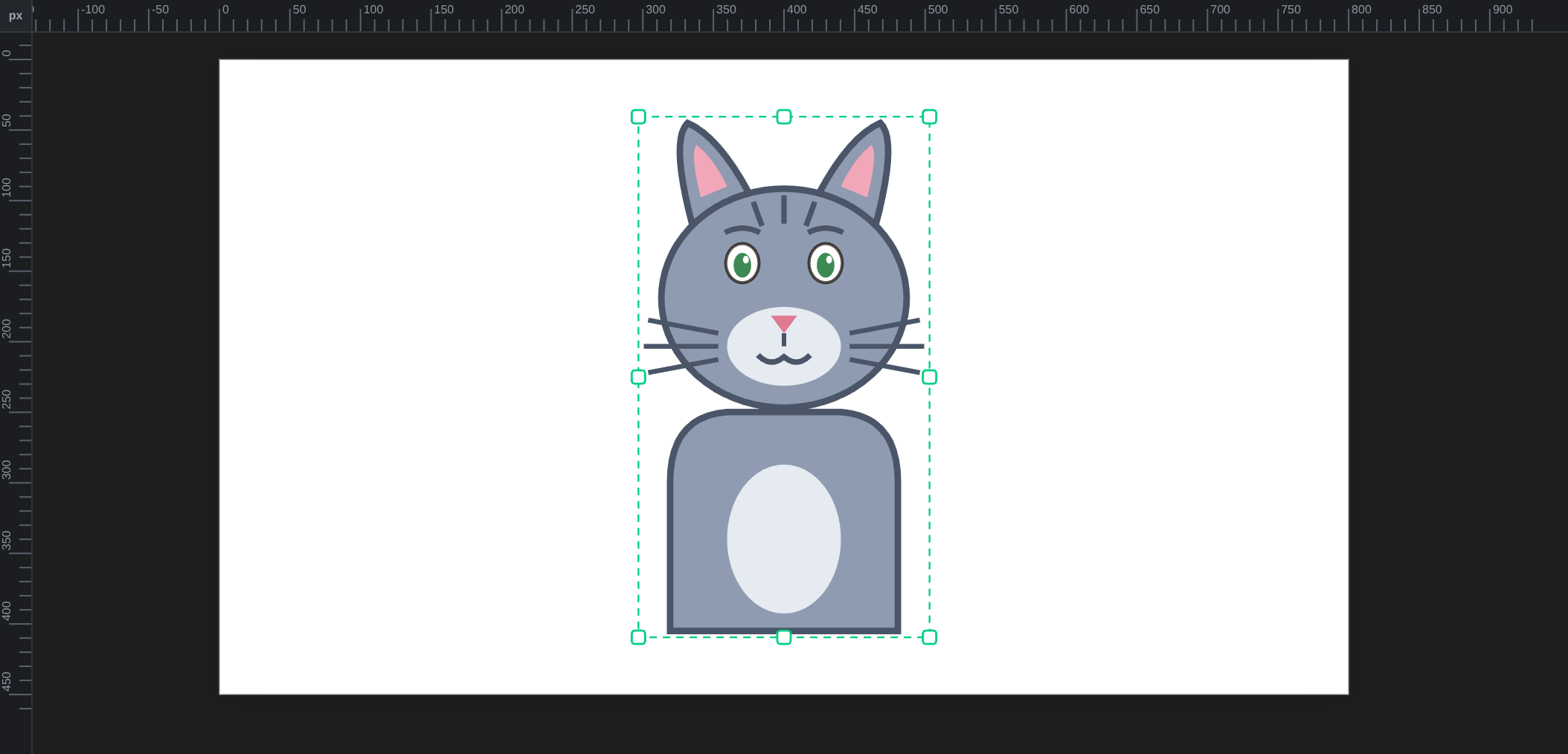 Every part is its own shape: animate the ears or the eyes separately.
Safe by design
An SVG can hide code. Brinimate never runs it: it only reads the geometry and the colors. So you can open an SVG downloaded from the internet without worrying.
And if a .svg is really a wrapped photo (common with logos), Brinimate inserts that photo as a regular image.
Great with Bricanvas
Draw or vectorize your character in Bricanvas with the pen and paint bucket, export it as SVG and bring it into Brinimate to animate it. If you keep the parts separate (head, arms, legs), each one arrives as its own shape.
FAQ
Is it free? Yes, like all of Brinimate, and no account needed.
Can I edit it? Imported shapes can be moved, scaled, rotated, flipped and recolored, and combined with the Pathfinder.
Is there a size limit? Files up to 15 MB and up to 5,000 shapes.
Try it in the editor: drop an SVG and start animating.