
Make Lottie Animations for Free: Export, Import and Edit Lottie in Brinimate
Brinimate exports your 2D animations to Lottie (JSON) for websites and apps, and opens any Lottie so you can edit it with layers, symbols and keyframes. Free, in the browser, no After Effects.
LuisOA
Brinimate Team
Lottie animations in Brinimate
Lottie is the animation format websites and apps use: a JSON file with vector shapes and keyframes that is small, stays sharp on any screen and plays with one line of code. Until now you needed After Effects and a plugin to make one. Starting today Brinimate exports and imports Lottie (beta), for free, in the browser.
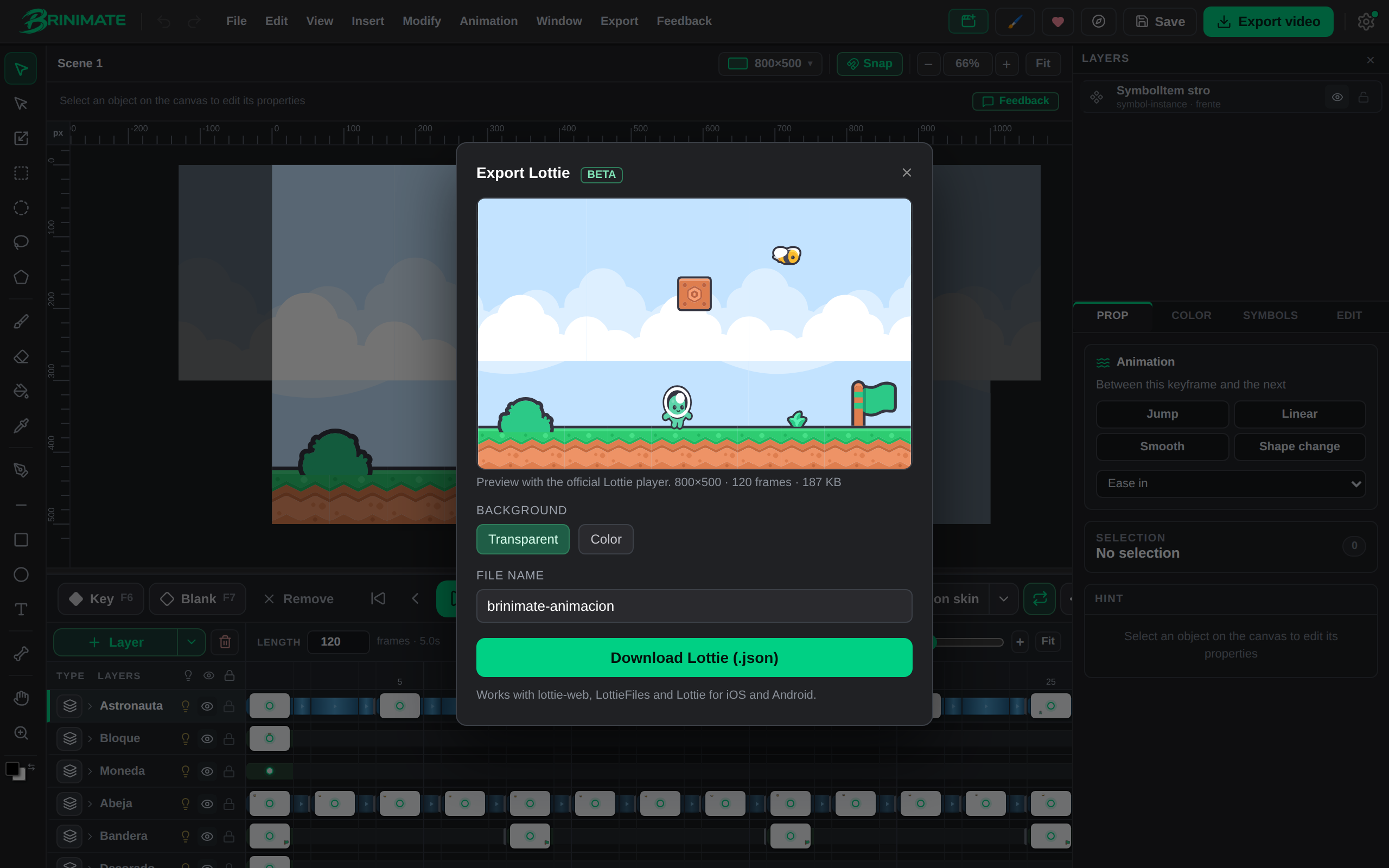 The brinimate.com home scene, made in the editor and exported to Lottie.
The animation at the top of this site and the beating heart further down are real Lottie files exported from Brinimate. You can open them in the editor in one click and see how they are built.
Export to Lottie
- Animate as usual: layers, keyframes (F6), tweens and symbols.
- Open Export → Export Lottie (beta).
- Check the preview, pick a transparent or colored background and click Download Lottie (.json).
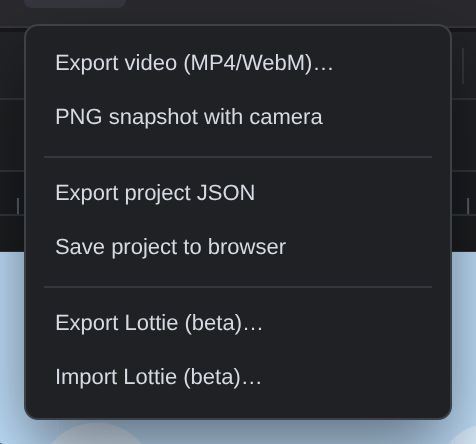 The two new options in the Export menu.
The preview uses the official Lottie player (lottie-web). What you see there is exactly what anyone using your file will see.
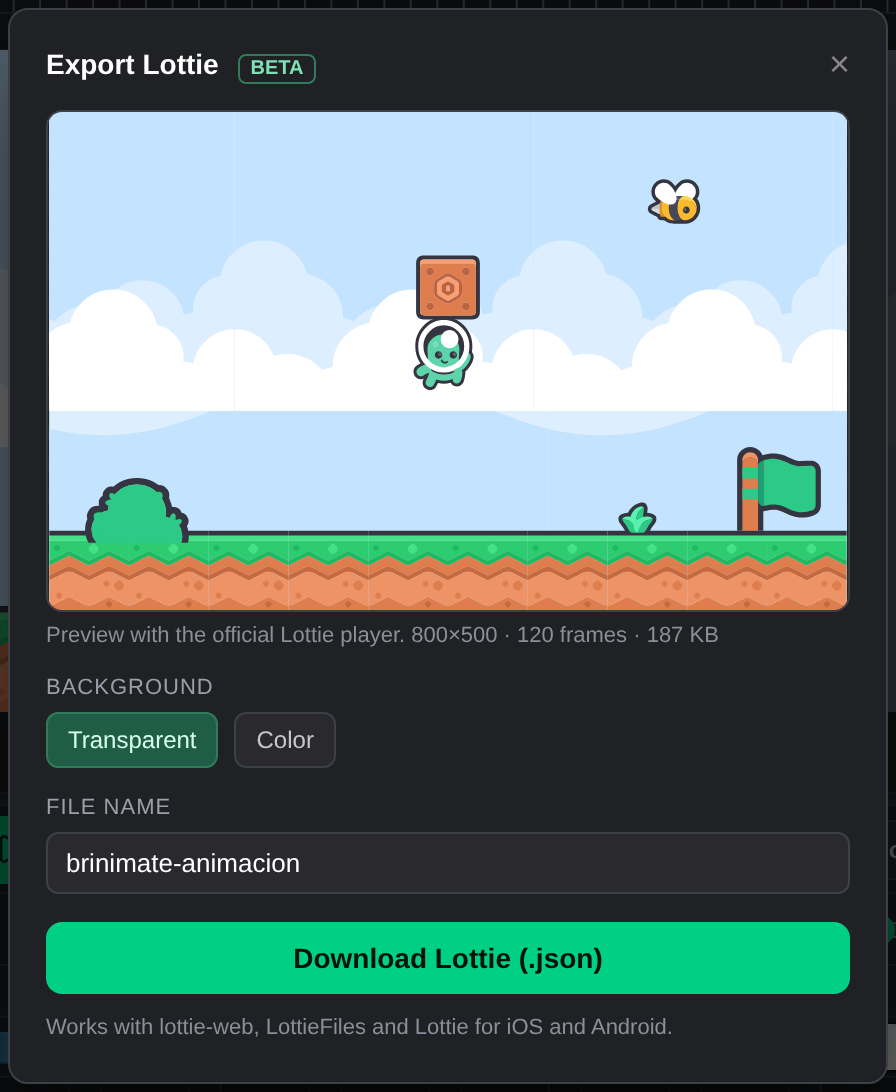 Size, frame count and file weight before you download.
What becomes what
Brinimate doesn’t record your animation as a sequence of images: it translates it, so the file stays small and editable.
| In Brinimate | In Lottie |
|---|---|
| An element moving between keyframes | One layer with animated position, scale, rotation and opacity |
| Linear, Smooth, Ease in or Ease out tween | Keyframes with the same Bézier curve |
| Bounce and Elastic | One keyframe per frame with the exact curve |
| Shape tween | An animated path (morphing points) |
| Symbols | Precomps: the artwork is stored once and reused |
| Rectangles, ellipses, pen shapes, imported SVG | Vector shapes with fill and stroke |
| Images | Images embedded in the JSON |
| Textured brushes | An image (Lottie has no textures) |
The home scene has 10 layers, 120 frames and 26 symbols, and its Lottie weighs 22 KB gzipped.
Import and edit a Lottie
Open a Lottie .json with Export → Import Lottie (beta) (or File → Open). Brinimate turns it into a regular project:
- Each Lottie layer becomes a timeline layer, with its name.
- Each layer’s artwork becomes a symbol with real vector paths you can edit with the pen, the paint bucket or direct selection.
- The motion becomes keyframes with the editor’s curves. Brinimate picks only the keyframes it needs: wherever a curve can’t match the original within half a pixel, it adds one more.
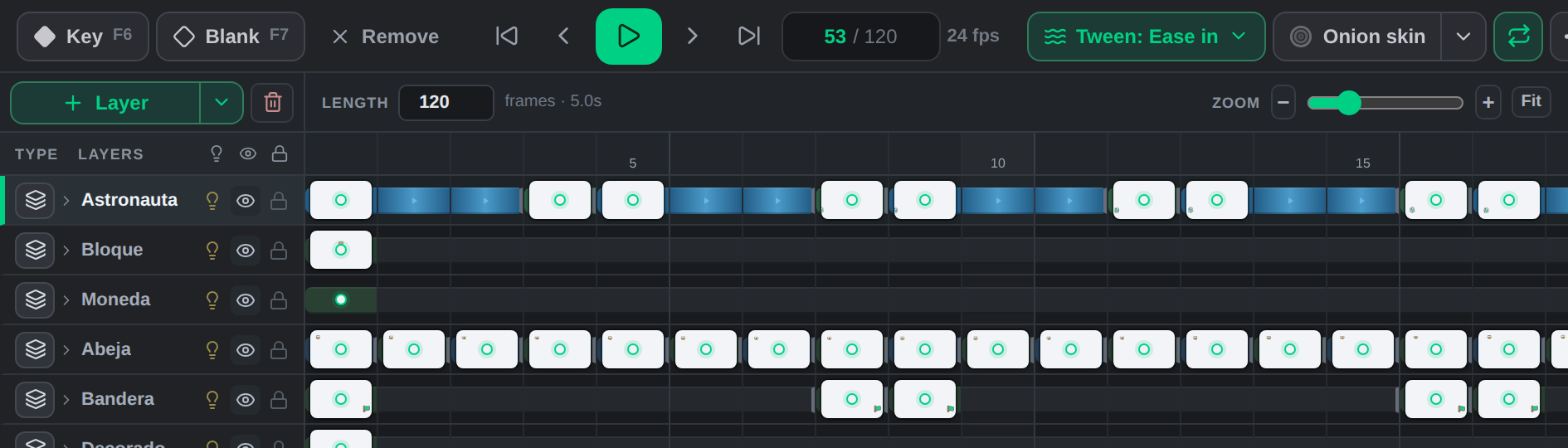 An imported Lottie: named layers and keyframes ready to edit.
It handles parenting, precomps, transformed groups, rectangles, ellipses, stars, animated paths, fills and strokes. Gradients come in with their first color. Masks, mattes and effects aren’t imported yet; the editor tells you when a file uses them.
For developers and UI/UX designers
A Brinimate Lottie works like any other:
<div id="anim"></div>
<script src="https://cdnjs.cloudflare.com/ajax/libs/lottie-web/5.12.2/lottie_light.min.js"></script>
<script>
  lottie.loadAnimation({ container: document.getElementById('anim'), renderer: 'svg', loop: true, autoplay: true, path: '/my-animation.json' });
</script>
Use it for micro-interactions (a like, a success check, a loader), animated illustrations on a landing page or characters in a mobile app, without paying for a subscription or installing anything.
Status: beta
Lottie is in beta: export and import already work with regular projects, and we keep adding what’s missing (masks, camera, images inside symbols). If a file doesn’t come out as you expected, tell us with the Feedback button in the editor.