
Make Your Photo Talk with Your Face (beta): Your Dog, Your Grandma or a Painting Copy Your Expressions
New option in Make your photo talk: with your camera and mic, any photo opens its mouth and blinks along with you, in your own voice. Free, in your browser, and your camera image never leaves your device.
LuisOA
Brinimate Team
Make your photo talk, now with your face
Make your photo talk could already give any photo a voice. Now there’s a third way: With my face. Turn on your camera and mic, and the photo opens its mouth and blinks when you do, in your own voice. It works with people, pets, toys or paintings.
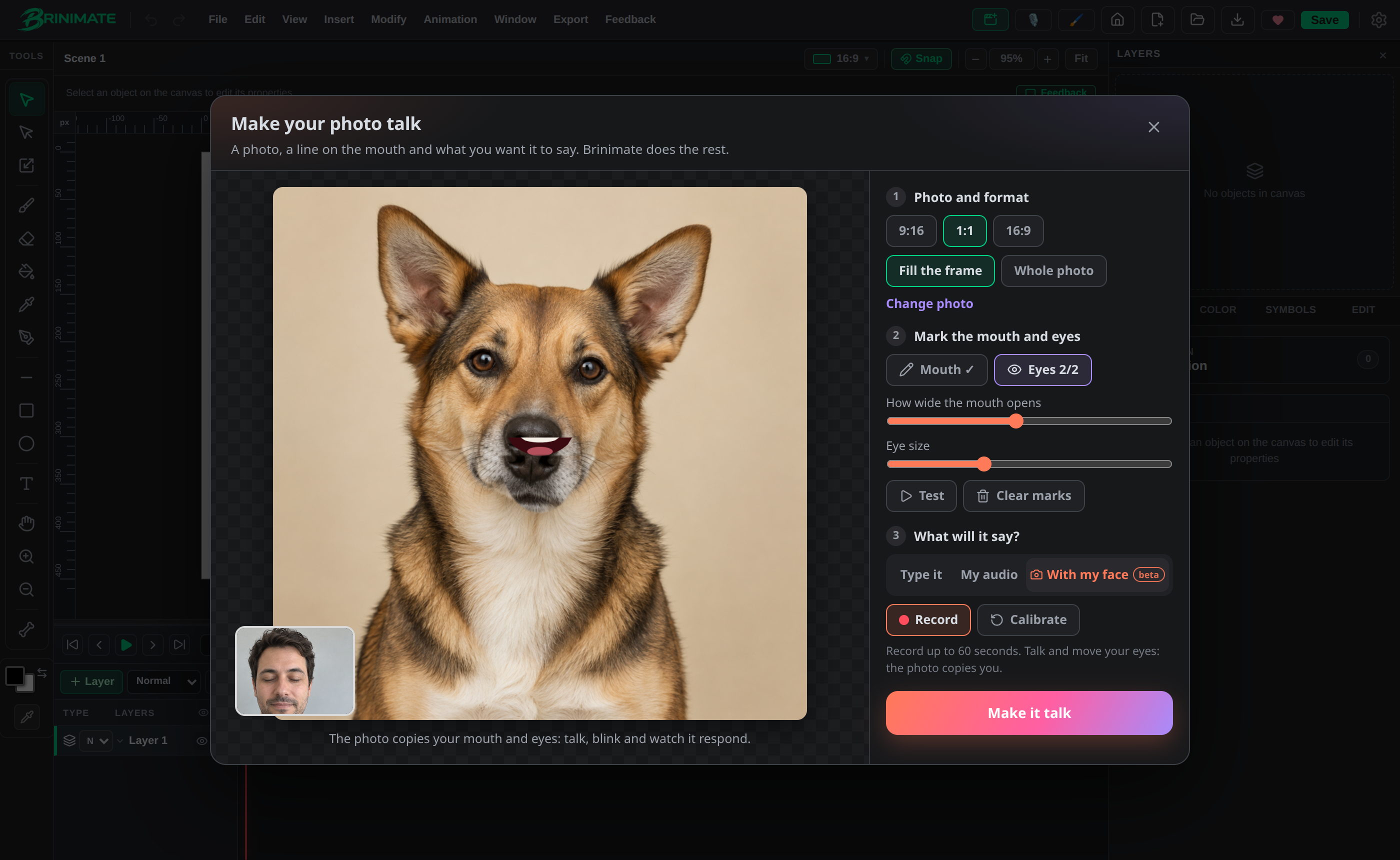 The dog opens its mouth because the person on camera is talking.
How to use it
- Open Make your photo talk from the start screen or from Quick create.
- Upload a photo with a front-facing face and pick the format.
- Draw a line over the mouth, corner to corner, and tap the center of each eye.
- In step 3, What will it say?, choose With my face.
- Tap Turn on camera and mic, calibrate your face (relaxed face, closed mouth, 2 seconds) and tap Record.
- Talk and blink. When you’re done, tap Make it talk: the video lands on the timeline with your voice.
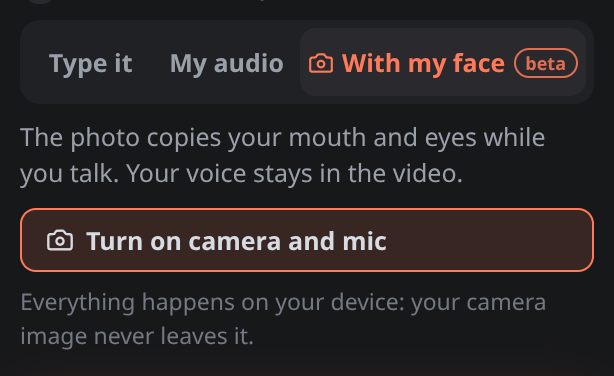 Three ways to give it a voice: type it, upload audio or do it with your face.
Works with pets
The photo doesn’t have to be a person: the dog, the cat, the parrot or the statue in the park work too. All that matters is marking the mouth and eyes well.
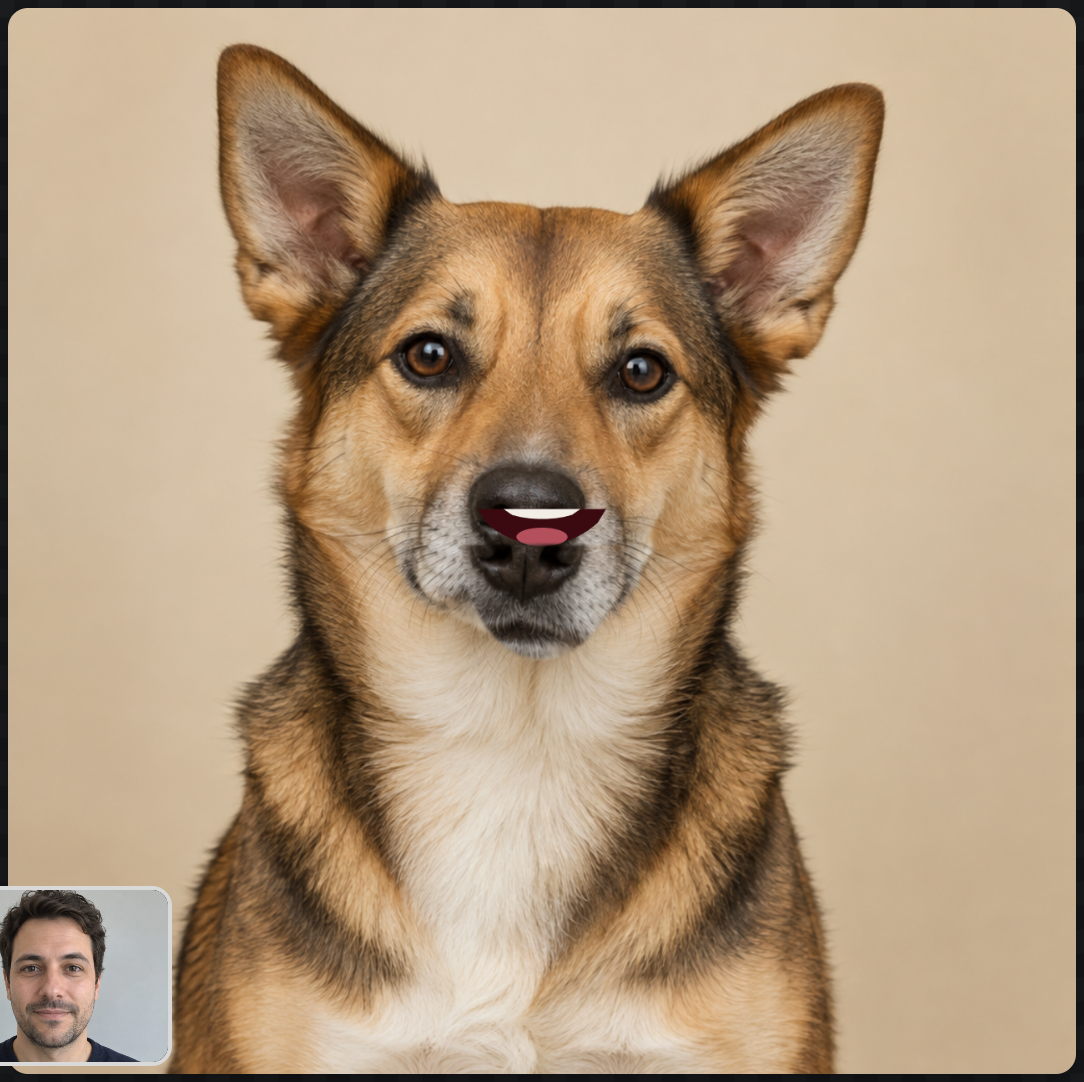 Everything below the mouth line drops like a jaw.
Tip: if the mouth opens too little or too much, use How wide the mouth opens in step 2.
FAQ
Is it free? Yes, and no account needed. “With my face” is in beta.
Is my camera uploaded? No. Everything happens on your device.
Can I record without a mic? Yes: the mouth follows yours, but the video has no voice.
How long can I record? Up to 60 seconds per take.
Try it in the editor. It’s the same technology as Brinimate Mirror.