
Skits with Your Face (beta): Record Each Line in Your Voice and the Character Copies Your Expressions
In Brinimate skits every line now has an Act with my face button: record the line with your camera and mic, and the character delivers it with your voice, your mouth and your blinks. Free, in your browser.
LuisOA
Brinimate Team
Skits with your face
In skits you already typed the dialogue and Brinimate added the voices. Now every line has an Act with my face button: record that line with your camera and mic, and the character says it in your voice, moving its mouth like you and blinking when you blink.
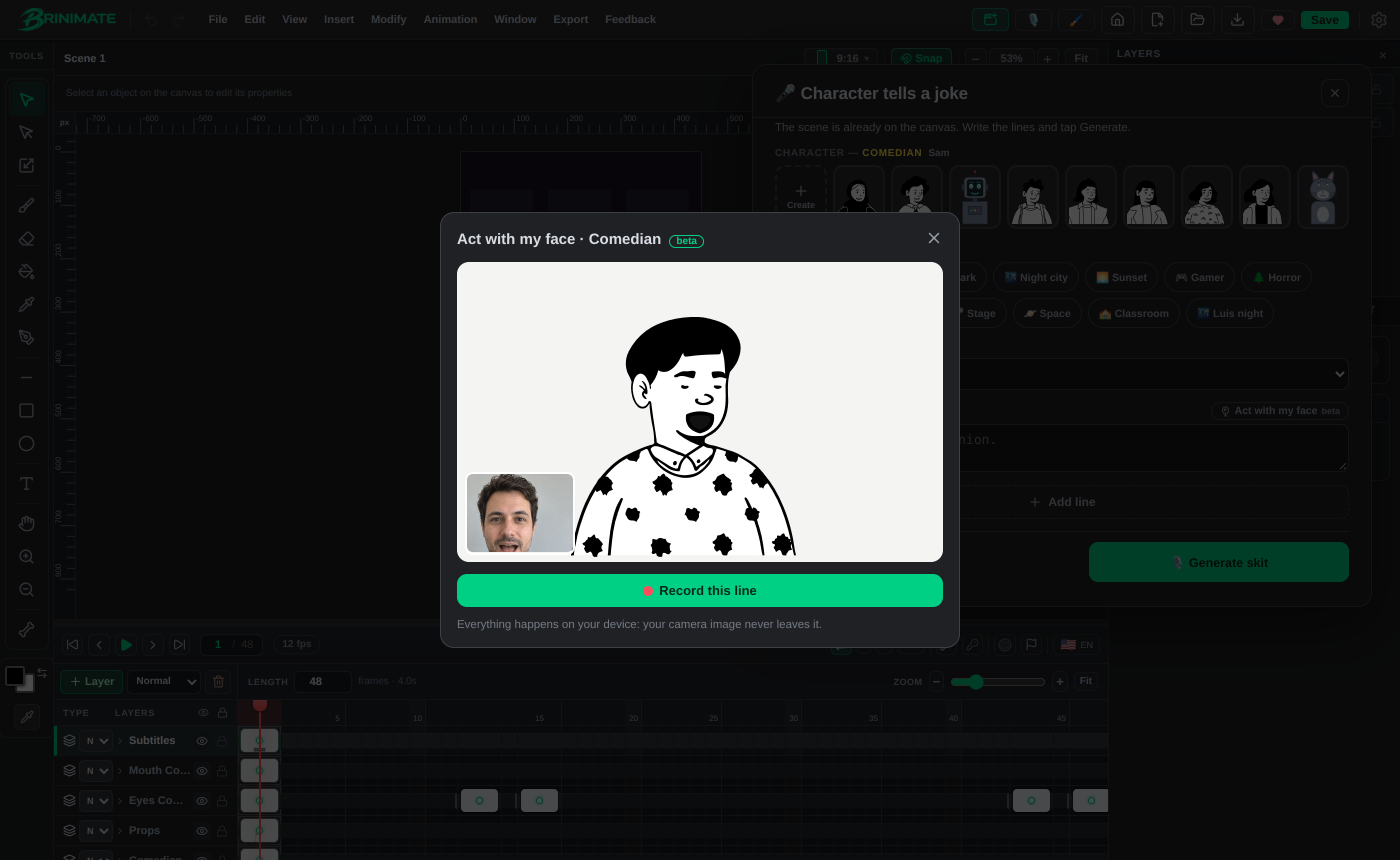 The character opens its mouth because the person on camera is talking.
How to use it
- Open a skit from Make a voiced skit (on the start screen or in Quick create) and pick a template.
- Write the lines. Next to each one you’ll see Act with my face.
- Tap it: the camera opens, with that line’s character and the text in view so you can read it.
- Calibrate your face (relaxed face, closed mouth, 2 seconds) and tap Record this line.
- Say your line and tap Stop. If you like it, Use this take; if not, Record again.
- Tap Generate skit. The lines you recorded use your voice; the rest use automatic voices.
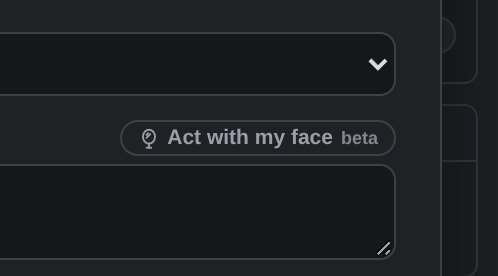 Once recorded, the line shows Your take with its length. The × removes it and goes back to the automatic voice.
Ideas
- You and an automatic voice: record one character and let the other speak with an automatic voice.
- A duet with yourself: record both voices, one line per character.
- Voice acting: read the joke with your own timing and tone; the character delivers it the same way.
FAQ
Is it free? Yes, and no account needed. It’s in beta.
Is my camera uploaded? No. Everything happens on your device; what stays is the animation and your voice inside the project.
Does the remix link carry my voice? No, only the text.
Are there captions? Yes: if the line has text, the caption is spread across your take.
Try it in the editor. It’s the same technology as Brinimate Mirror.